Surface 01
Story reading and choices
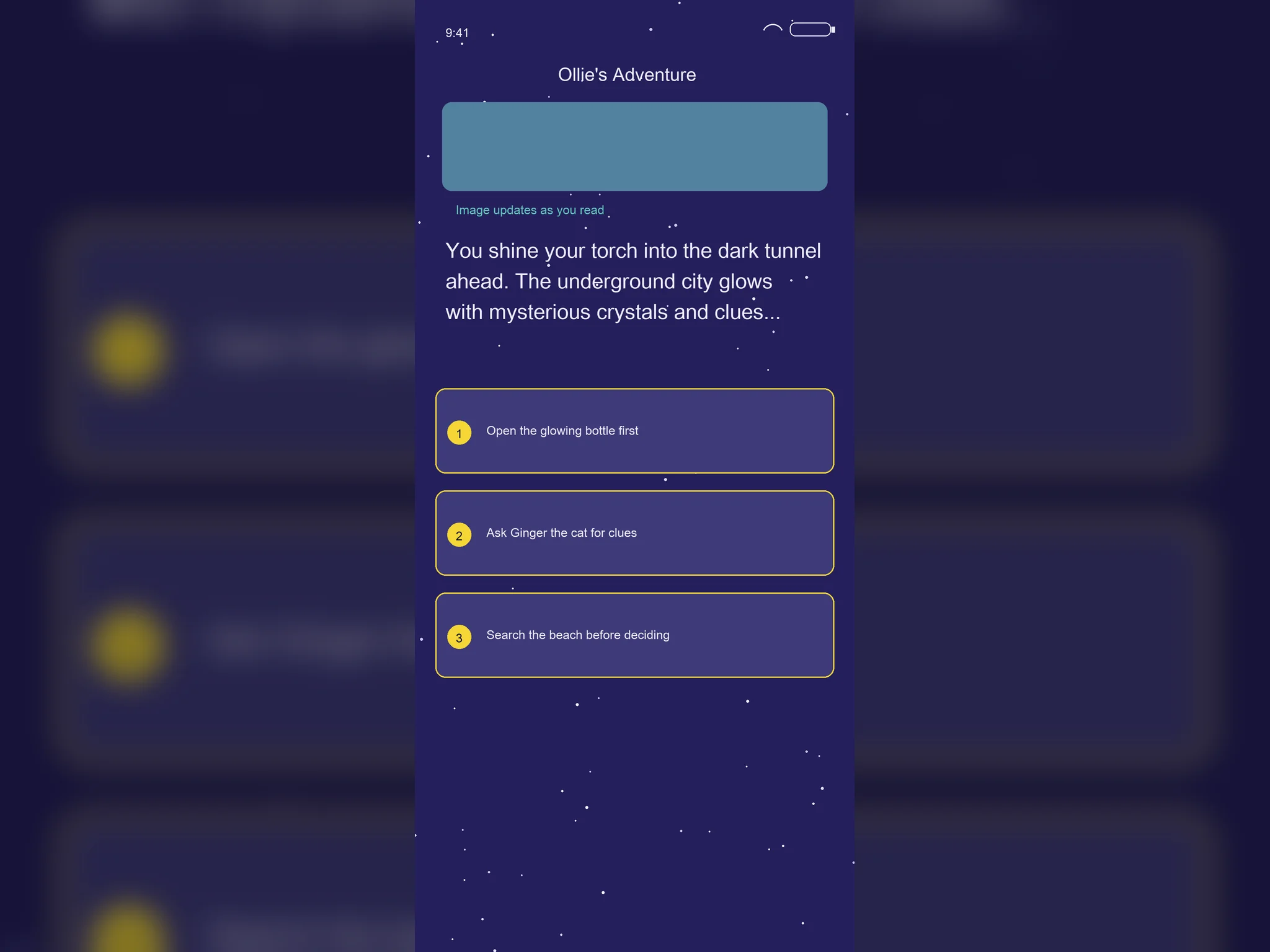
"The story unfolds live. Children follow the narrative and choose what happens next."
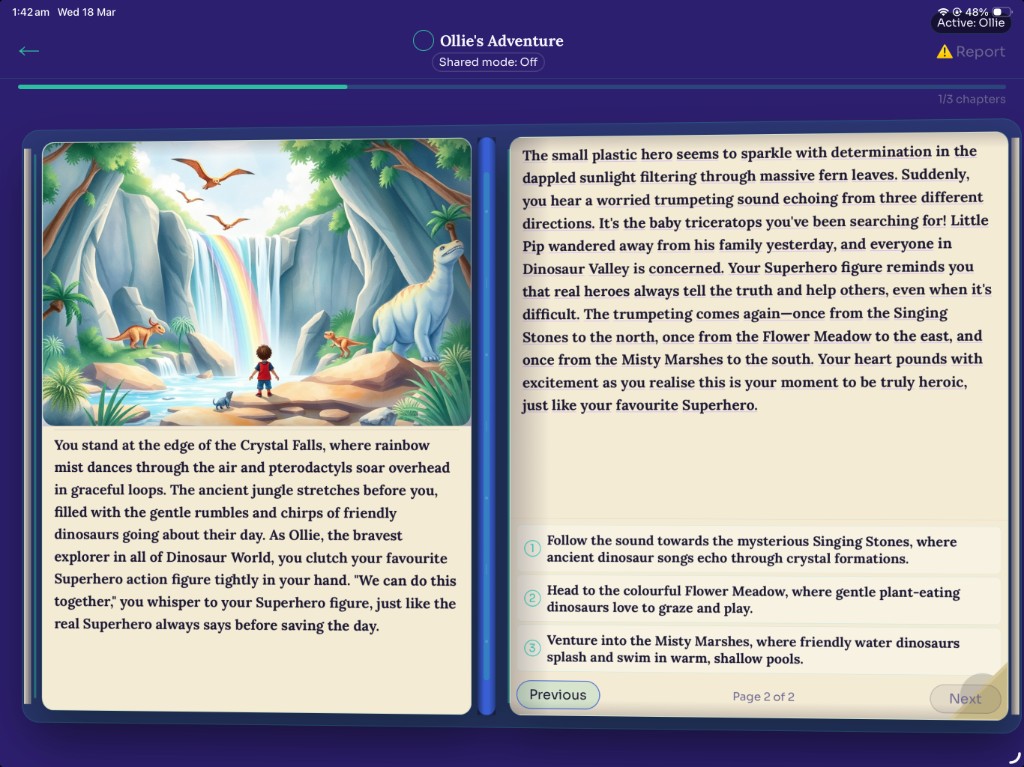
Live reading view with age-appropriate branching choices.
 StoryWell — App Walkthrough
Every StoryWell story follows a child-friendly flow that keeps personalization, safety, and delight in sync from the first tap to the final line.
Surface 01
"The story unfolds live. Children follow the narrative and choose what happens next."
Live reading view with age-appropriate branching choices.
Surface 02
"Pick a companion, a world, and a style. Every combination is unique."
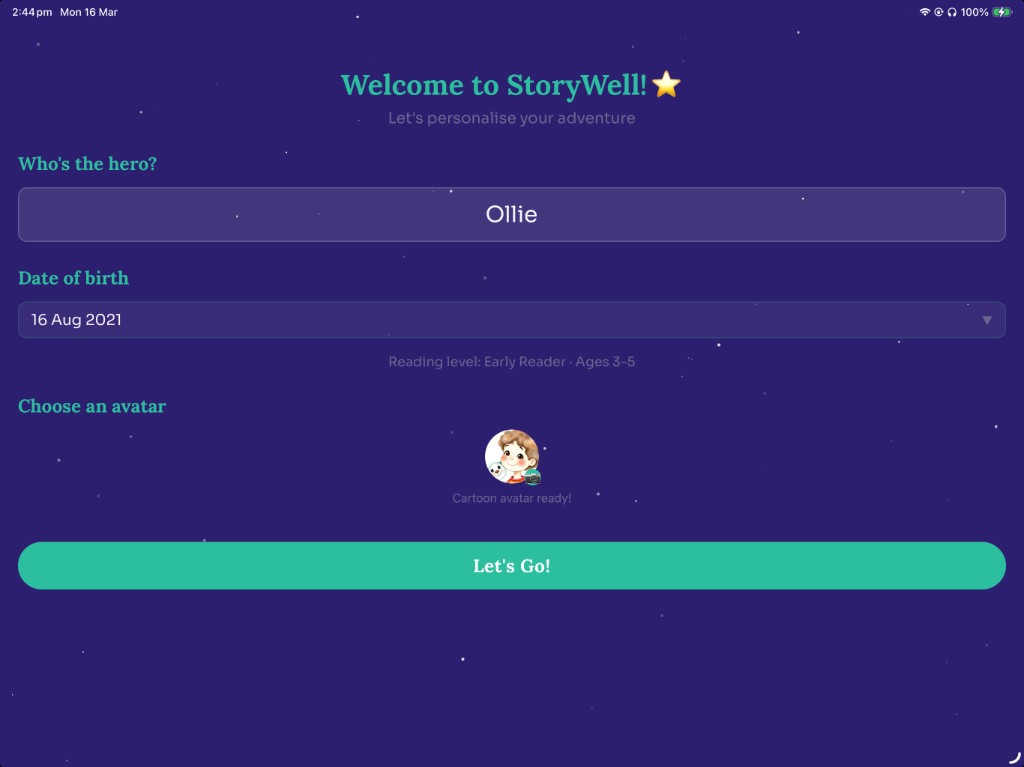
Wizard setup with companion, world, and style controls.
Surface 03
"Quick for a short adventure. Story for the full bedtime experience."
Mode picker for Quick, Story, and Adventure lengths.
Surface 04
"Stories are saved to the shelf. Revisit favourites, re-read the whole adventure, or share it with family."
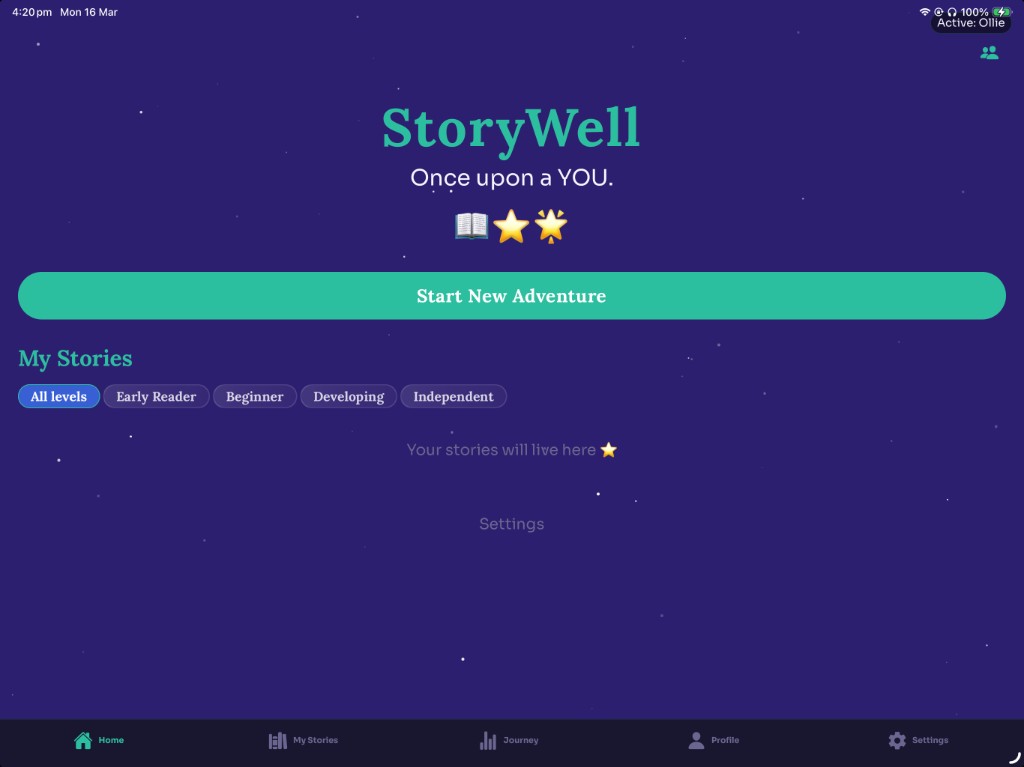
Saved story shelf with quick restart and replay actions.
Real screens, real stories. Every image is captured from the live app — exactly what your child will see.
How the story appears on screen depends on your child's reading level. Each layout is designed for where they are.
Large, spacious Sora font. Illustration fills the top half of the screen; story text sits below in big, easy-to-follow print.
Sora font at a comfortable size. Illustration and story text share the screen — more words than Early, still plenty of breathing room.
Lora serif font. Text-forward layout; illustration appears at segment transitions as a moment of delight between chapters.
Lora serif, full-screen prose. Illustration generates quietly in the background and appears at each choice point — a reward, not a distraction.
StoryWell reads every story aloud with natural-sounding narration. Switch from read mode to listen mode in one tap — perfect for bedtime, when little ones are winding down, or when parents want to share the story without reading every word. This feature is especially helpful for Early readers (ages 3–5), where the parent may be reading alongside or letting the app take the lead.
As the story is read aloud, each word highlights in sequence — like a finger moving under the text. Children can follow along and connect what they hear with what they see, making it easier to learn new words.
Preview: words highlight in sequence as narration plays (like a finger under the text).
Parents can slow narration for early readers. The speed picker in Settings lets you choose a pace that matches your child — slower for new readers, natural for confident ones.
Narration isn't just convenience — it supports reading development. Hearing words while seeing them highlighted helps children build sight-word recognition and phonics connections. For ages 3–9, this combination of listen-and-follow is a powerful way to grow as a reader.
Hear a short sentence at a natural bedtime pace:
"Once upon a time, in a cozy little village, there lived a brave young explorer."
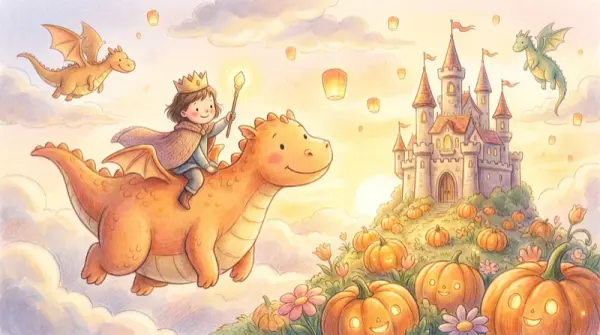
Each story segment gets its own unique illustration, generated to match the moment. A shared visual style keeps characters and worlds consistent across the whole story — like a real picture book, but personalised for your child.
Your child can bring up to four companions into every story — friends, family, or pets. Each companion has traits that influence how the story unfolds. For example:
Child choices materially change the story. Here's how two different paths lead to different outcomes:
The child discovers a hidden garden where flowers sing. The story ends with a gentle lullaby under the stars.
The child meets an owl who shares a secret map. The story ends with a treasure of warm blankets and hot cocoa.